
Open an account in 3 minutes
Prepare your documents and follow the steps to apply in the UZen Trading app.
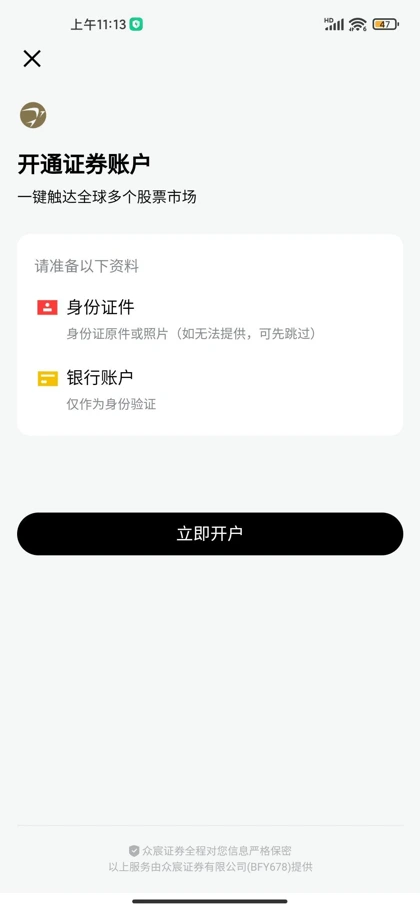
Four steps to get started.
- 01
Download the app and prepare
Have your identity document, your bank card, an active mobile number and email ready.
- 02
Start your application
Open the account application in the app and upload clear photographs of your identity document.
- 03
Complete your information
Provide accurate personal, employment, tax and investment details, and read the risk disclosures.
- 04
Verify, sign and submit
Follow the bank card and facial verification steps, then sign and submit your application.
Complete account opening guide
See the complete guide for document and identity verification requirements.